Your clusters deserve a real IDE
Octokube is a browser-based IDE for Kubernetes. Everything your team does with a cluster — exploring, debugging, controlling access — in one fast window.
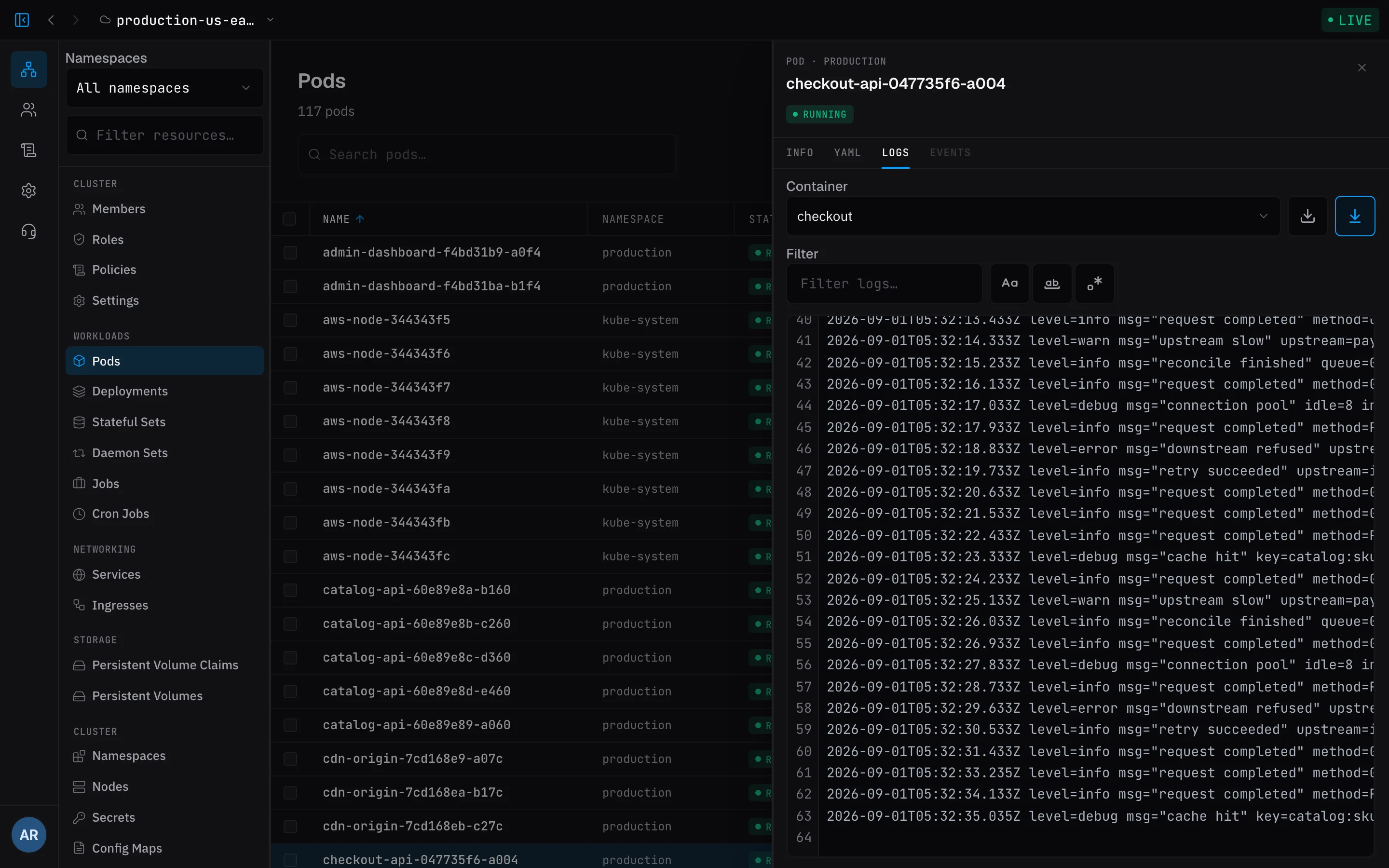
Live pod logs
Tail any container in real time, right next to the resource it belongs to. No port-forwarding, no context switching — the stream follows you as pods restart.
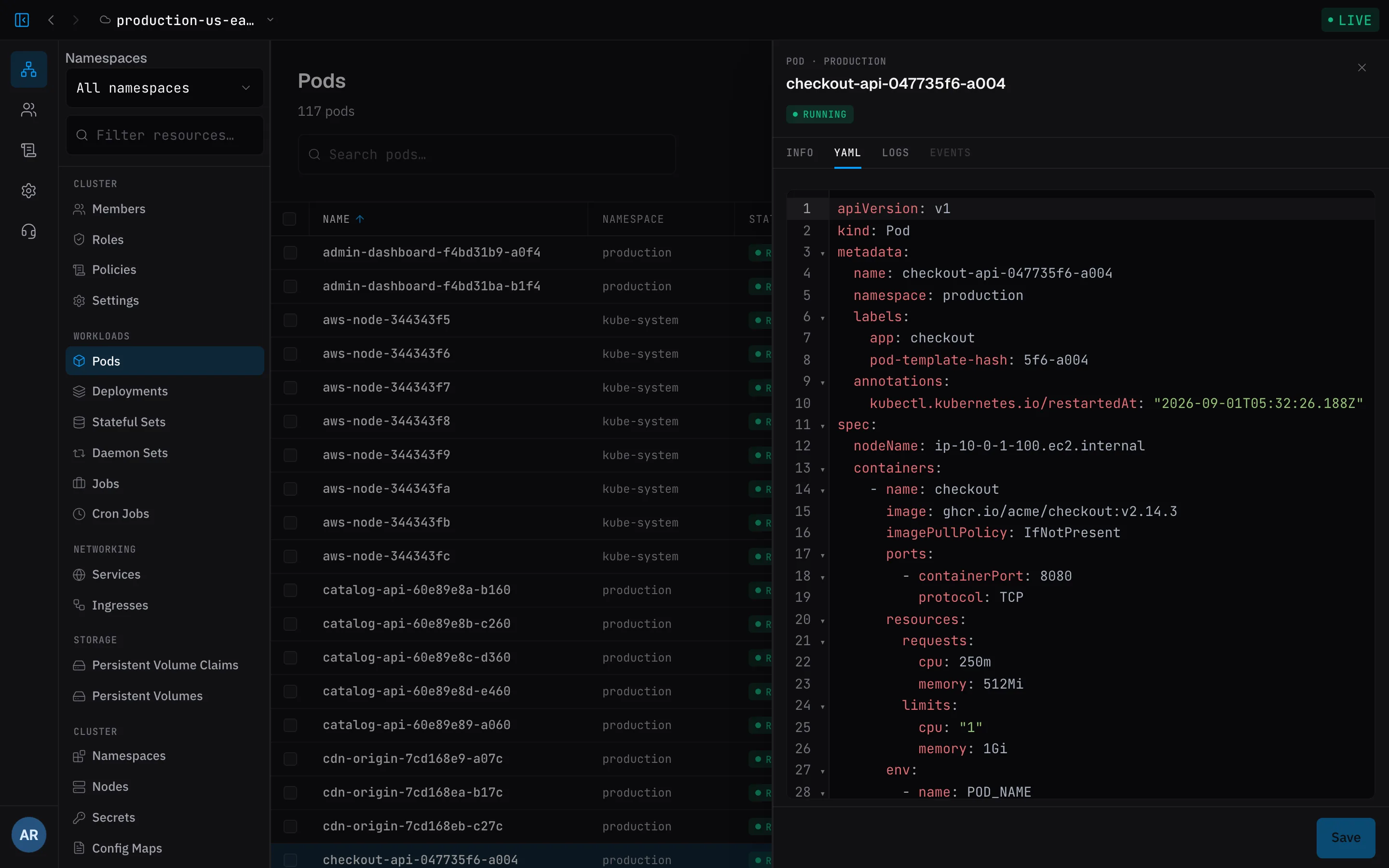
Explore every resource
Browse namespaces and workloads, drill into any resource, and act on it directly — describe, edit, delete — without kubectl gymnastics. The explorer stays live, so what you see is what the cluster is doing right now.
All your clusters, one window
Prod, staging, sandbox — every cluster your team runs, side by side with live health. Switch context in one click instead of juggling kubeconfigs.
Built for teams
Invite members and assign roles. RBAC and policies decide exactly who can touch production — the right people get exactly the access they need, nothing more.
Act on what you find
Edit a manifest, scale a workload to zero and back, cordon or drain a node — from the row you were already reading, under the same policies as everything else.
Your AI tools, connected
Octokube is an MCP server: Claude Code, Codex, Cursor and friends can list resources, read manifests, tail logs and pull metrics from your clusters — read-only, under the policies of whoever made the key.
Nothing to install
The tool you live in all day should be one tab away — on any machine, always on the version that shipped this morning.
Fast where it counts
Cluster state streams in and stays live. The explorer keeps up with a 200-pod namespace instead of re-fetching it on every click.
Always up to date
Everyone on the team is on the same version the moment it ships — no installs to chase, no 'works on my machine'.
Any machine, any OS
It's a URL. Open it from your laptop, a borrowed machine, or a locked-down workstation — nothing to install anywhere.
Secure by architecture
The IDE never talks to your cluster directly — a tiny agent inside the cluster dials out, so nothing gets exposed.
Ready to meet your clusters?
Open the app, connect a cluster, and see everything it's doing — in minutes, free.