The agent that dials out
A small agent runs inside your cluster, watches resources, and streams changes to Octokube over outbound gRPC. No inbound Service, no Ingress, no firewall rules — nothing gets exposed.
How it works
From zero to a connected cluster in three steps — the whole thing takes minutes.
Create the cluster in Octokube
Add a cluster in the app and grab its credentials: a cluster ID and an agent token, issued just for that cluster.
Run the command it gives you
The app writes the Helm command for you, credentials already filled in. The chart creates the namespace, the ServiceAccount, and the agent Deployment.
The agent dials out
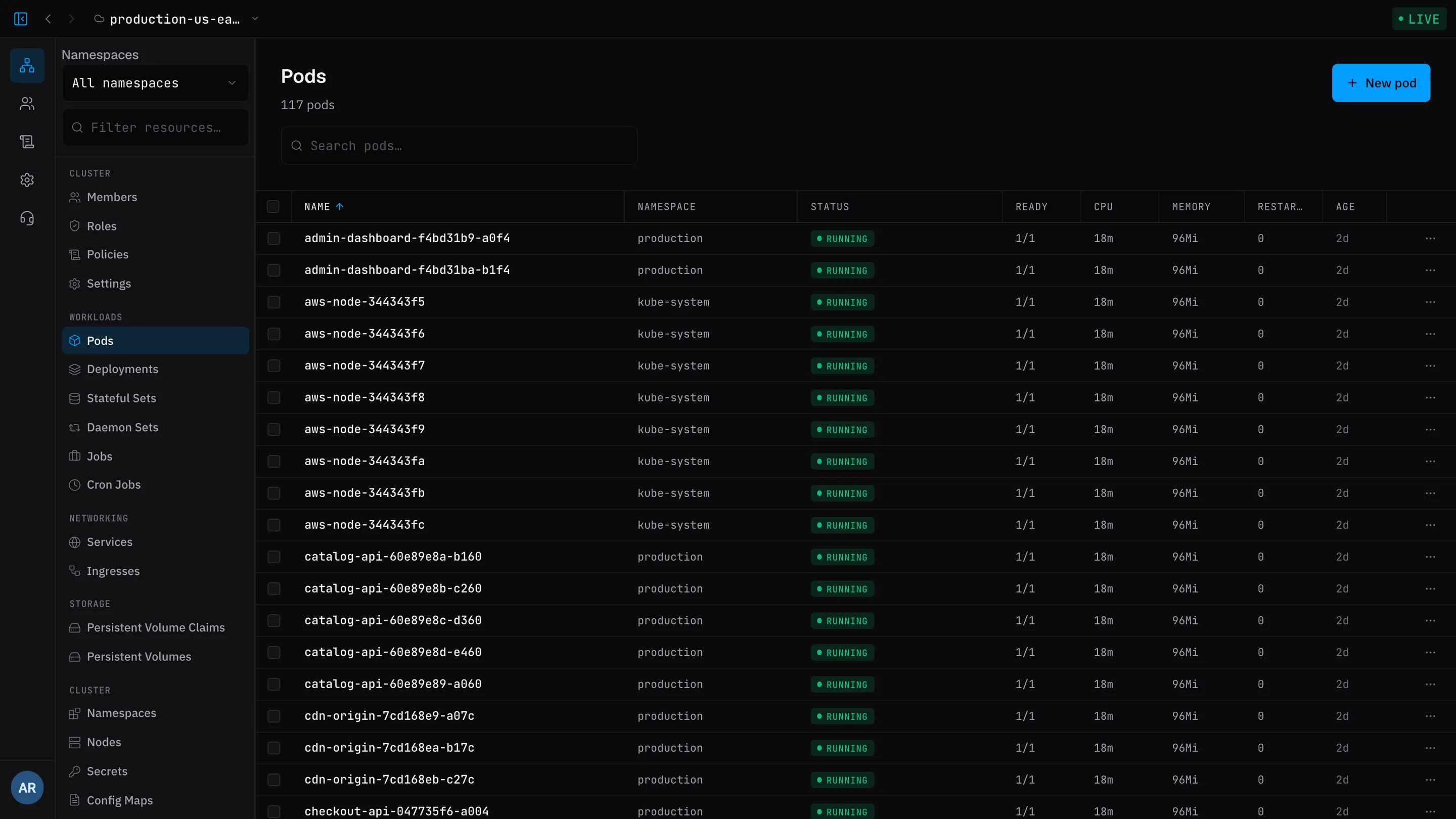
It connects to Octokube over TLS gRPC, authenticates, and starts watching your resources. Everything the IDE shows — and every action it takes — travels over that same outbound connection.
Built to be trusted with production
The architecture does the heavy lifting: if nothing can dial in, there's nothing to defend.
Outbound-only
The agent dials out — your cluster needs no inbound Service, no Ingress, no firewall rules, and keeps zero open ports. There's simply nothing to attack.
TLS in transit
Every connection between the agent and Octokube is encrypted gRPC over TLS. Nothing travels in the clear.
Scoped credentials
Each cluster authenticates with its own cluster ID and agent token, issued from the app. Prefer managing secrets yourself? Mount a pre-created Kubernetes Secret instead.
RBAC you control
The chart binds a ServiceAccount inside your cluster so the agent can discover resources — and you can swap the default for a narrower custom ClusterRole.
Your team's permissions
Actions from the IDE run under your team's RBAC and policies, never around them. The agent doesn't grant anyone access your rules don't.
Judged per object
Every read and every write is checked against your policies one object at a time, so a list can never hand back more than the live view would.
Good to know
- Kubernetes
- 1.24+
- Helm
- 3.8+ (recommended)
- Container image
- ghcr.io/octokube/octokube-agent — public, no registry login
- Helm chart
- oci://ghcr.io/octokube/charts/octokube-agent
- Upgrades
- helm upgrade --reuse-values — settings carry over
- Uninstall
- helm uninstall — removes everything the chart created
Ready to meet your clusters?
Open the app, connect a cluster, and see everything it's doing — in minutes, free.