The Kubernetes IDE for engineering teams
One window for every cluster your team runs. Explore resources, tail logs, and decide who touches production — with an agent that dials out from your cluster instead of opening it up.
Runs in your browser — nothing to install. Free for solo operators.
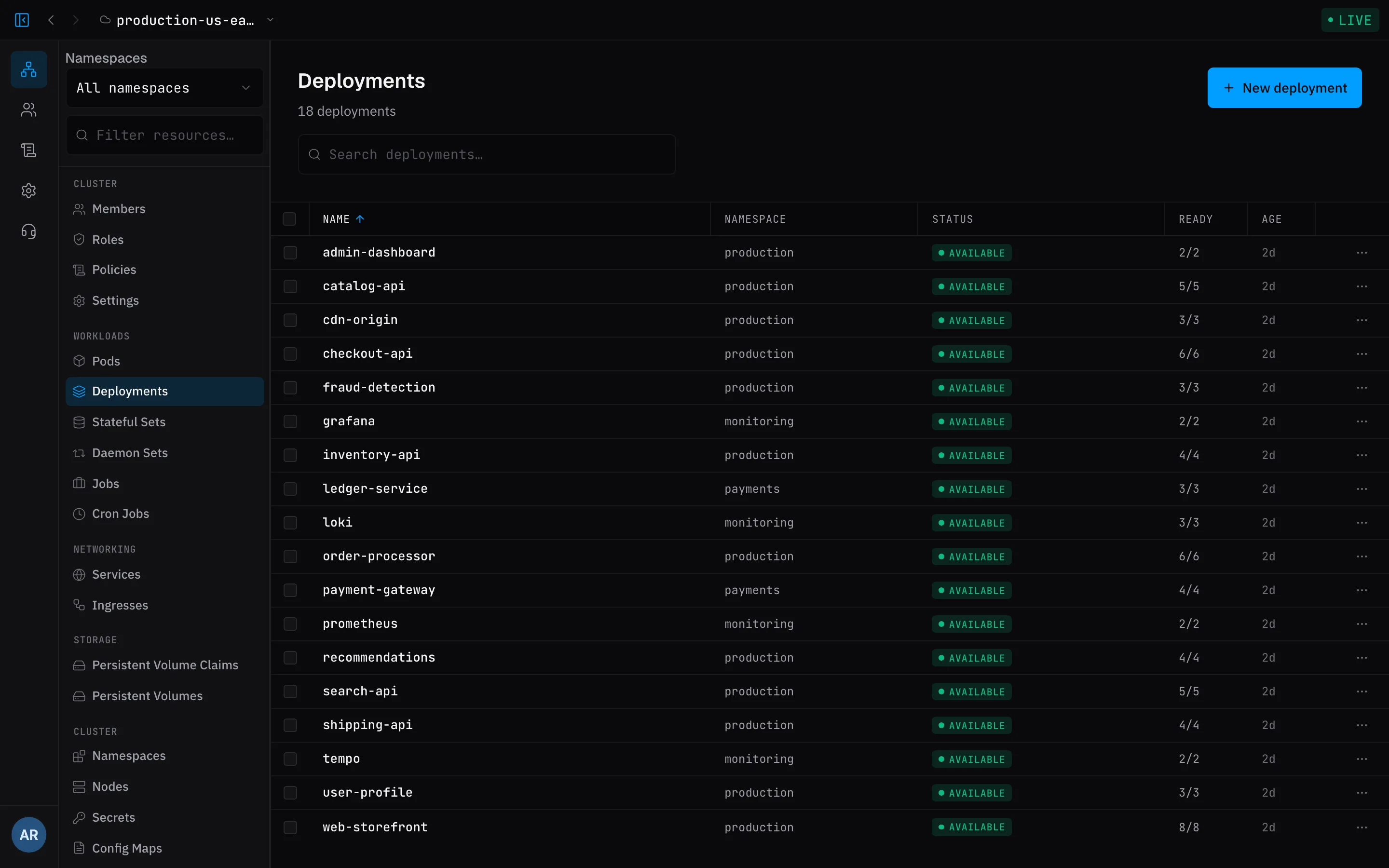
Connected in minutes
The agent dials out from your cluster — nothing gets exposed, and there's no firewall ticket to file.
- ~30sstep 1
Add your cluster
Name it in the app. It hands back a cluster ID and a token.
- 1 commandstep 2
Install the agent
The app writes the command, credentials filled in. You paste it.
- livestep 3
Resources stream in
Workloads, events, and logs show up as the agent finds them.
Everything your team does with a cluster, in one place
From browsing resources to controlling who can touch production.
Explore every resource
Browse workloads, drill into any object, and act on it — describe, edit, delete — without kubectl gymnastics.
Live pod logs
Tail any container in real time, across namespaces, without leaving the resource you were looking at.
Access that scales
Fine-grained RBAC and policies map onto your team, so people get exactly the access they need.
Act, don't just look
Edit a manifest, scale to zero and back, cordon or drain a node — from the same row you were reading.
Built for teams
Invite members, assign roles, and manage clusters together instead of passing kubeconfigs around.
All your clusters
Prod, staging, sandbox — one window, live health on each, no context switching.
kubectl is a tool. Octokube is how your team operates.
Point your AI at your clusters
Octokube is an MCP server. Create a key, paste the snippet, and the assistant you already use can list resources, read manifests, tail logs, and pull pod metrics — across every cluster you can reach.
- Reads the live state of your clusters — not a stale kubeconfig
- Answers under the same policies as the person who made the key
- Read-only: it can look at everything you can, and change nothing
Secure by architecture
The agent only dials out. Your cluster keeps zero open ports, zero public endpoints — there's simply nothing to attack.
Inside the team, RBAC and policies decide who can touch what — judged object by object, so a list and the live view can never disagree about what you're allowed to see.
Free until your team shows up
Solo is free forever, with unlimited clusters. Invite your first teammate and the team moves to Pro — billed per seat.
Free
For solo operators.
- Unlimited clusters
- Solo — only you operate
- Nothing to install — runs in your browser
- Resource explorer & live pod logs
Pro
For teamsFor teams. Kicks in when you invite your first member.
- Everything in Free
- Invite teammates — read-only members are free
- Access control (RBAC & policies)
- And more team features
Ready to meet your clusters?
Open the app, connect a cluster, and see everything it's doing — in minutes, free.